Walking Dead Game App
02.16.2026
This time I have no painting or modeling to talk about. This time I have an app (ugh, I miss calling them "programs") to talk about. Honestly I call it a webpage since there's nothing to install. And technically this is just for me as to make it publicly available likely goes against some copyright and licensing laws. But this is not about trying to hawk a new app onto the public. This is about making myself a tool to make playing a game more likely.
The only game I've played in years is the Walking Dead Miniatures Game. The real reason I play it is an excuse to setup the scenery that I enjoy putting together. With that, I also like the game - it's light, I love a good zombie theme, it's solo friendly. I've always played the same self-made-up mission where I take 1 survivor and a set number of zombies, and said survivor has to get supplies from Point X and make it to the egress point. Survivor has a minimal loadout so I won't worry about things activating the Noise rule. I'm not sure if the survivor has ever made it to the egress point (maybe once). I enjoy playing this for the story of the game, not actually trying to win.
For a while now, I've thought about apps for solo games to make setup/teardown easier. There's a DVG Apache helicopter game that I played once. 45 min for setup with sorting through lots of cardboard counters for the right ones. 30 min game play on the playmat. I lost the game, by the way. Not a surprise for my first time playing. Then another 45 min to put it all away. I'd play it more often were it not for the extra hour and a half of not playing the game involved.
There's a factor of that with the Walking Dead game. I play a minimal version because I don't dig through the right equipment cards to add to a character. I also don't know all the "real" rules, and looking those up when needed during a game slows things down. Cheat sheets, or "Game Aids" as they're called these days, help, but tracking down something the first time always seems to take forever. The third time feels that way too.
This transitions us to our new best friend over the past year, ChatGPT. Thanksgiving 2025 I started playing around with ChatGPT and making some game rules. That went into a rabbit hole, and honestly it went into rabbit holes for the better part of a year as I learned how AI and GPTs and typing prompts works. Jerry jumped onto the AI trend and soon stated making quick, throw away, stupid browser games for fun. Being fun, I jumped in too. I found I was mush better at keeping an AI chat on target with a quick browser game than making new boardgame rules, or even mods to boardgame rules. Most of the times, one of my stupid quick games started as "can CSS do...." and most of the time it could. I didn't care about the underlying code, I found myself (ugh) vibe coding and just tweaking the results.
Which brings us back to the Walking Dead game. If I had an app that could handle all the drudgery of setup and book keeping during a game, would I play more? Would I play better? What could I automate that would help me go that direction? Well that's what I set out to tell ChatGPT.
For my (failed) boardgame attempts, I had a pretty good dice rolling app. It was even geared toward the Walking Dead dice, as I like the combat system of pitting attack dice against defense dice. With a small tweak, this used the Walking Dead rules details for combat resolution. While referencing the rules for this, I learned I've been resolving combat wrong the entire time I've been playing this game. ~10 years. The rule for combat against Walkers is that they always attack, never defend. I interpreted that as Survivor attack roll vs Walker attack roll. Nope, that's not how it works. Survivors attack against a Walker that rolls nothing for defense (free attack). Then the Walker attacks (up to Survivor to decide in the beginning if they're going to defend now). That makes it a very different game to me. I've gotten so used to the Attack vs Attack roll, I kept it in as an option. With that, I can now click a button and have the dice rolled, totals added, and a summary tell me the results with what damage to apply/if there was a headshot or a survivor was bitten. Space for dice rolling and remembering how to add no longer needed!
There are other specialty dice rolls in the game. There's a black die that is really a 50/50 chance die. It's used for a handful of things. Things I normally forget. New section to the dice rolling app - black die roller and a bullet list of common reasons to roll black die along with what game phase those happen in. Another die roll space saved along with Where In The Rules Is This reference no longer needed.
I have that same issue with a white die used at the end of the turn to see if bitten survivors turn into walkers. Add white die to the app and the note of when/why! There's also a yellow panic die with a different icon per side. This is used when the character's nerve is below the panic level. I can never remember what those icons mean. How about adding the panic icons to a die in the app, and when that icon is rolled the description/effect pops up. Add it to the app!
Hmm, now that I mentioned the threat level, there's a threat tracker that would be easy to add. It's just a number from 1-18. While that's easy, how about a range color chart to match what the game references too. Add it to the app!
I'm not sure how long I spent on all of the above, but I had gotten on a roll of seeing the usefulness for this. Table space could be saved. Looking up rules that I would likely forget. Not knocking around cards, dice, trackers, and having it all lose their place. Describing what I wanted to the chat and not worrying about the code behind it all was working out so far. What else would really help me move forward on playing a more fleshed out game?
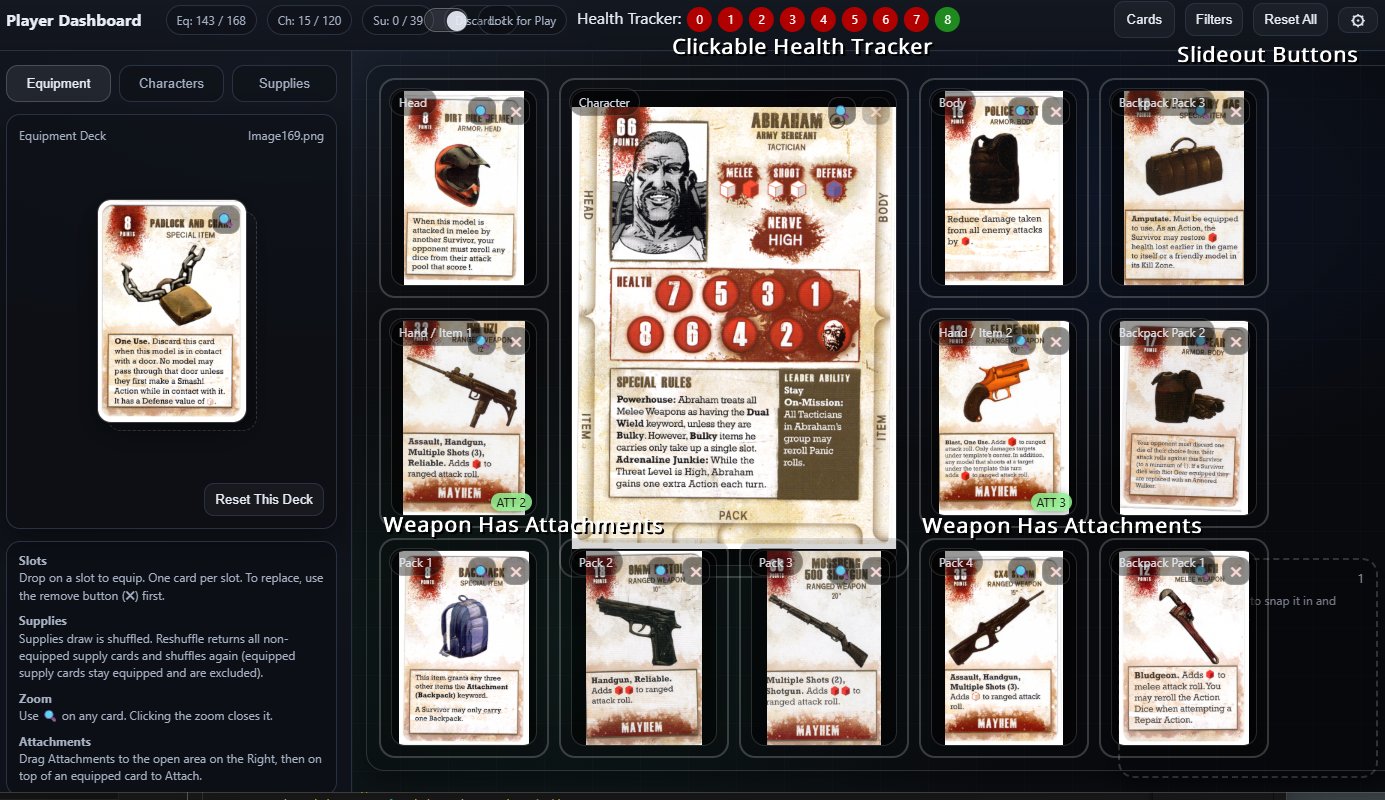
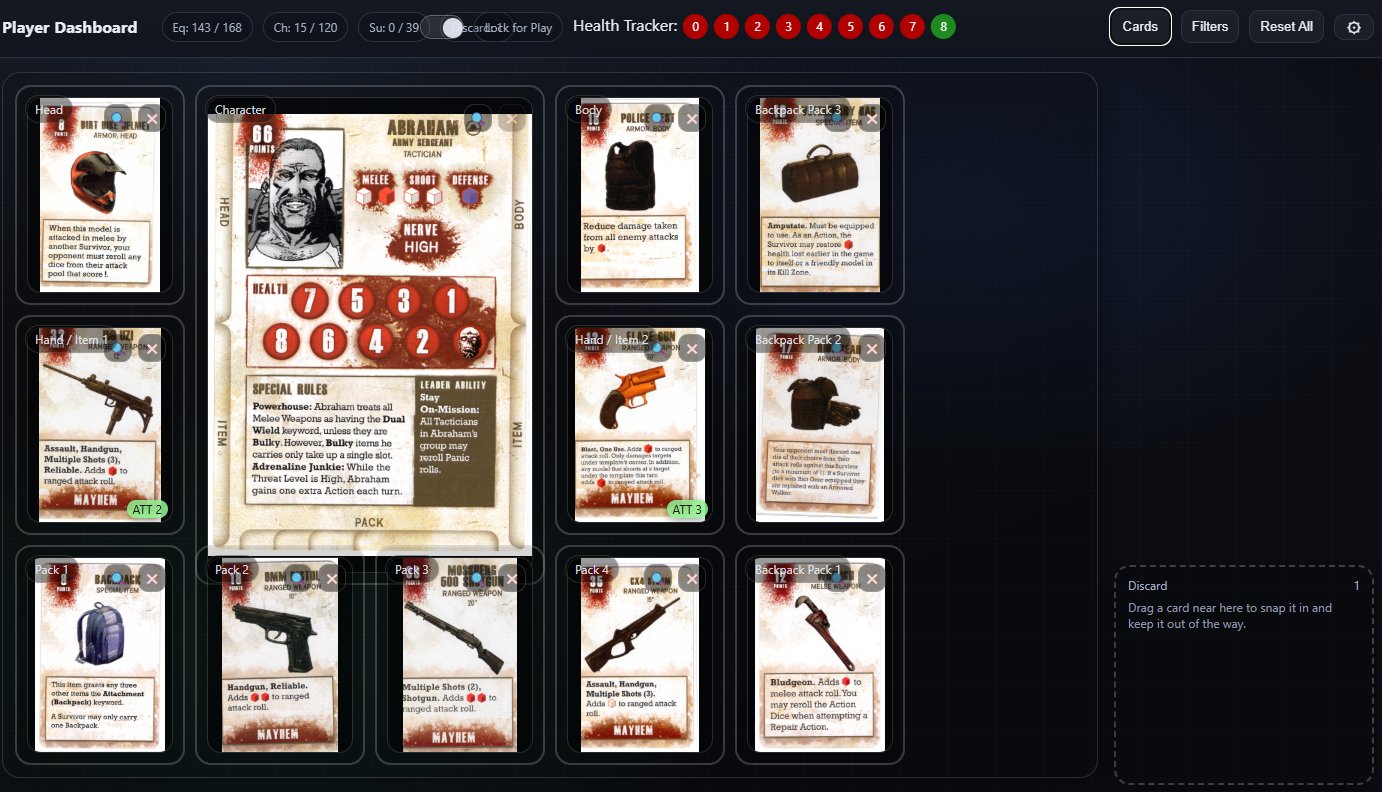
I purchased MDF player dashboards from Etsy a while back. There's a center spot for the survivor card, then spots for equipped cards and backpack cards. An automated/browser version would take up less table space. I'd need to either type in all the info and have it displayed in a way that made sense, or I could just scan in cards and drag them to the right spots on a background. I have a scanner. I have more than 1, really.
For a proof of concept, I scanned a couple of cards and asked ChatGPT if it could pull in the images, make a deck of cards, and let me drag them to spots in the browser. Sure, no problem. Awesome, I'll get to scanning cards! Soon I had a non-Etsy dashboard that I could drag character and equipment cards onto.
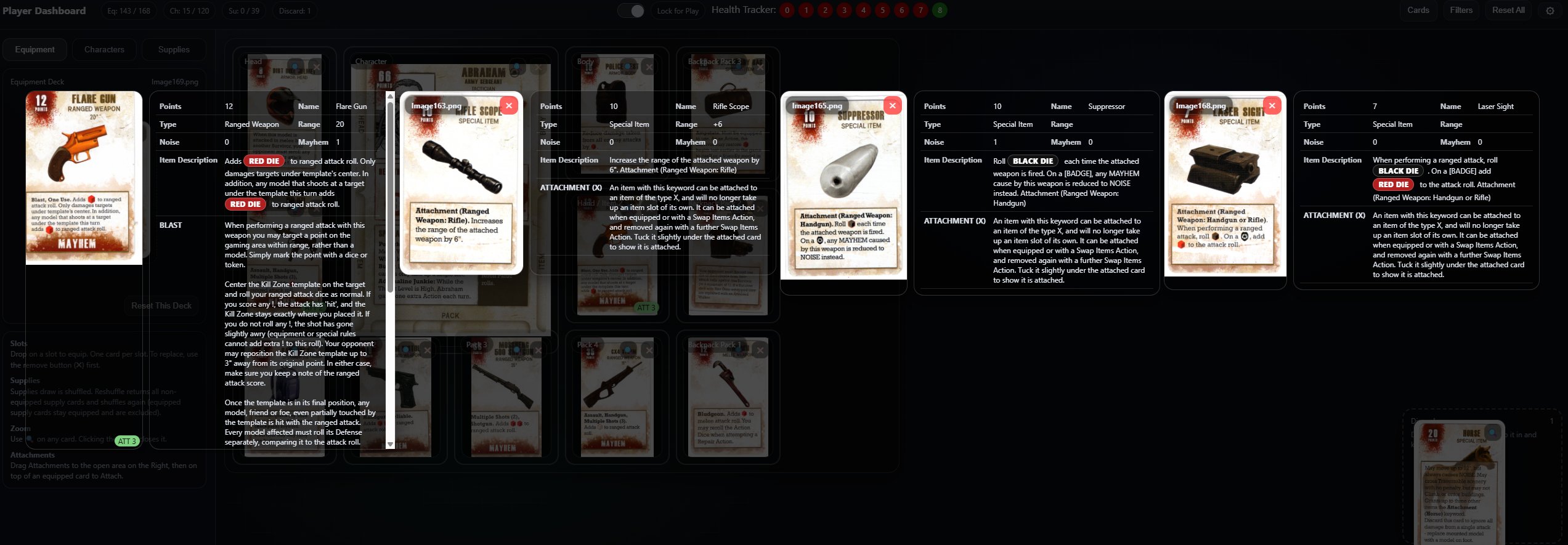
It would be nice if I could add in some shortcuts or tooltips for the rules on those cards. I don't know what most of them mean. At this point I learned both AI OCR and Scanner OCR did not like the background of the scanned cards and was doing such a bad job converting to text that it would be just as easy for me to enter the text as to go back and double check everything. At that point, ChatGPT made a tool for me to enter the card info into some new MySql tables. One of those tables was a rules shortcut list, so when a card listed "Bulky", I would be able to lookup and show "Requires 2 Hands".
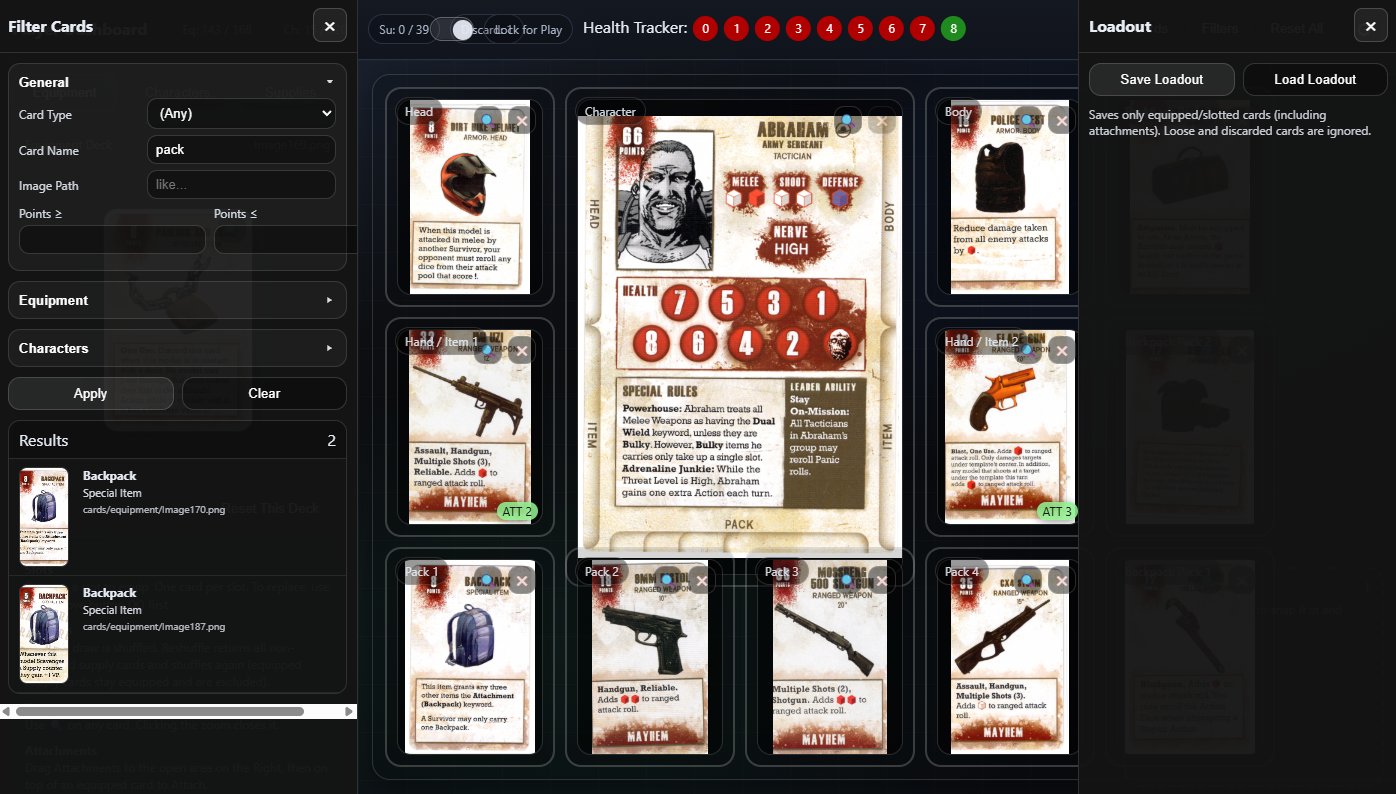
Now that all the relevant data is in there, we can add a filter to lookup/jump to cards instead of clicking through the deck. Well that's the most handy part so far. Looking through a deck of 100+ cards when I want to add a Shotgun to my survivor can take a while. But if I can type in "shot" and go click-click, survivor has a shotgun... Well that's just pretty damn convenient.
I can take the time to pick a survivor and equip stuff as desired. What else do I need to speed things up? Saving that loadout so I don't have to re-make it when I want to play, and (of course) loading it would be good. JSON save files activated!
Once I saved and loaded a character with their loadout, I cold really see the probability of using multiple survivors in a game and being able to keep up with them. The one, simple tweak that would really help me: add the character name to the browser title. So much easier to find people that way!
During all this, it was the first time I've probably gone through and paid attention to the majority of the rules. I added another browser page for a tab of rules and actions, grouped by the turn phase they're relevant in, as a nice "I haven't played in a while" turn walkthrough-refresher. There's were misinterpretations I had on equipping items, add-ons (like weapon suppressors), and how the character-specific rules should be used.
I'm now at the point I think I've got the app I want in order to play. Each of these will be a browser tab for my next game:
1. Turn phase based rules reference. This has the "what rule is that" and action definitions that I forget after a while of not playing. It's also the rules I never learned correctly to begin with. This should get used less after I play a few times.
2. The Dice Roller actually has 3 parts:
2.1 : Dice rollers for combat, panic, infection check, and the black "chance" die (used for about 4 things, which are listed with the die roll).
2.2 : Threat Tracker - color coded 1-18 range to show the current threat.
2.3 : Event Card Deck - Scanned in cards where I can draw a card (1 per turn). Some cards will change the threat, which is tied into the Threat Tracker to automatically update.
3. Player Dashboard - Survivor with loadout, health tracking. There's also a Supply Card Deck used for searching. This deck can be exported/imported so that each survivor with a tab can keep the deck in sync as it's supposed to be a shared deck for search results. I could have tried to make this sharable between tabs, but I preferred the simplicity of each tab having a copy.
And there's my first big foray into something usable with AI. Mentally running through scenarios and using everything has been my beta testing. I'm planning on playing (a/some) games while I take my annual birthday time off in a couple of weeks. That can be a real test of how useful this is. Laptop, or tablet, space taken vs dice, tray, etsy dashboard(s), threat tracker, and rulebook stashed away.
Permalink
programming/interweb walking dead
Slapchop v Zenithal
08.07.2023
It's been longer than usual since my last post, and it's not because I was being ultra-productive and have the largest cache of newly painted gaming whatnot to share. Nope. I just wasn't in the mood to paint. Part of that was due to trying something new (for me). I finally jumped on board and tried a couple of priming/prep techniques that everyone has been using for years - Slapchop and Zenithal priming.
Thus, an experiment was begun using the Walking Dead Saviors expansion pack. 6 minis, which I would split into (my version of) Slapchop and Zenithal priming. Since I normally prime white and then get to painting, both of these methods just felt weird.
First up: Slapchopping
My version of Slapchop starts with priming black, then a heavy dry brush of some Vallejo dark grey that I randomly picked out of a box. While this really did bring out beginning highlights of raised areas and left the recesses with dark, well, black, shadows, the highlights came out very chalky. I know this is from the paint for dry brushing being too dry on the brush, but that's just the way I dry brush. I used Speedpaint and a little Citadel Contrast on these minis, which I also did for the Zenithal batch following. I think the end result is kind of a comic book style. The jump to shadowy black is a little too harsh and at times inconsistent (see Dwight's blonde hair). With some work on my dry brush method this could be better, but as it is I don't care for my end result.
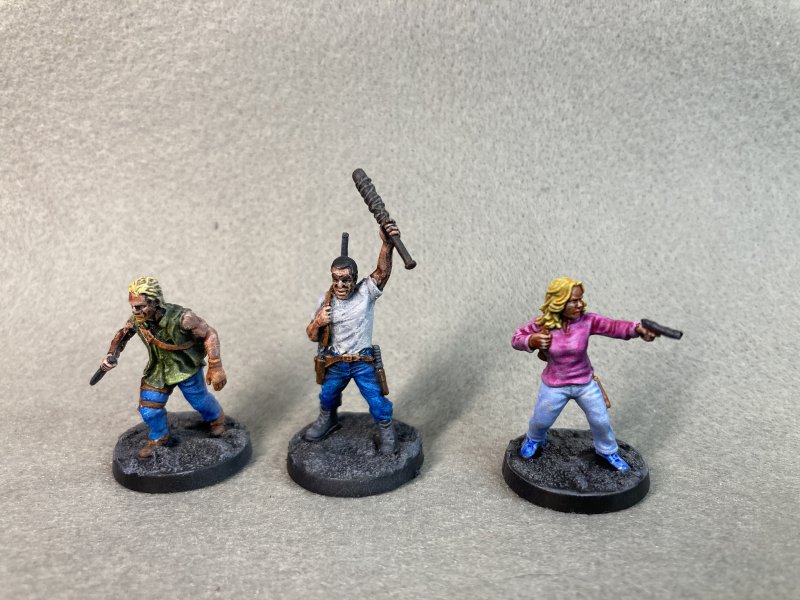
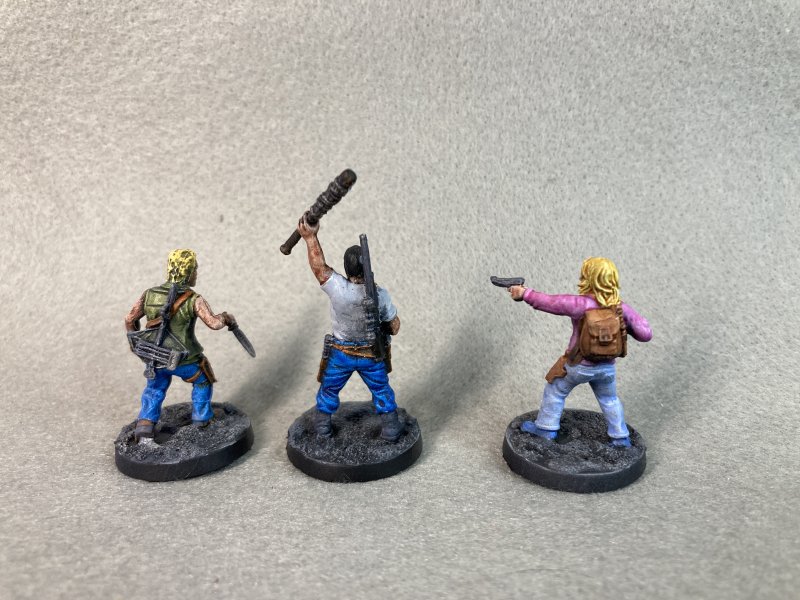
Next: Zenithal Prime
Zenithal priming felt a little more natural - prime black, then from above spray with white to emulate a natural light source. This wasn't just picking a spot and spraying from there, but more of a 180° from above to also include reflective light from above. Since this ended up with mostly white that wasn't chalky, like I'm used to painting, the follow-up printing process felt more normal. I may have sprayed from above from too many angles, as the dark shadows underneath weren't really there like I was expecting. This method worked better than Slapchop for me, but I don't really know my end result shows anything to make it worth the extra effort.
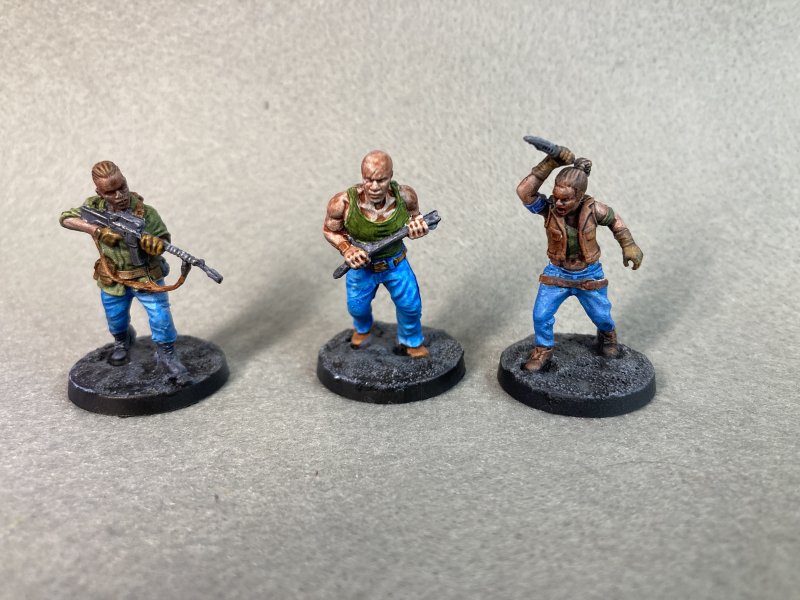
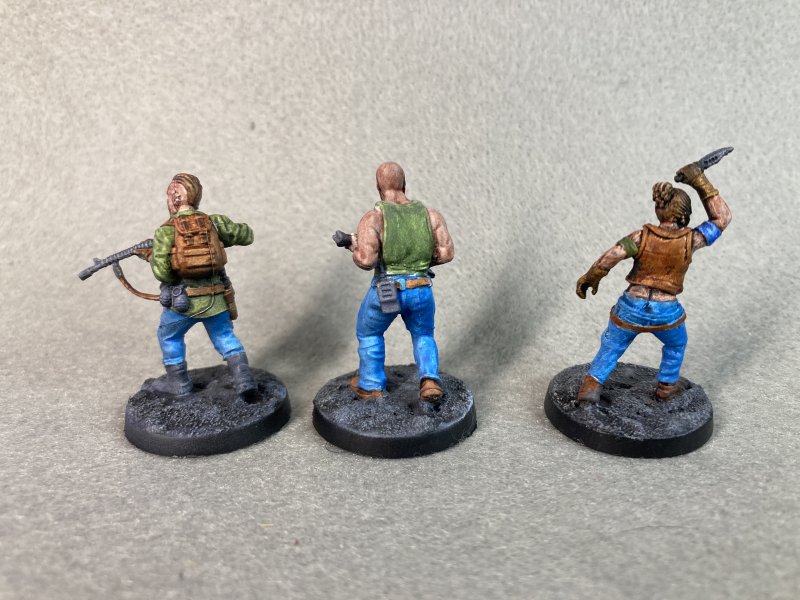
So, what do I think? Slapchop isn't for me, which is a shame because for everything it's hyped to do it sounds perfect for me. Zenithal priming is close to what I'm used to once I start actually painting. I may do another Zenithal test later and keep the highlight spray more vertical and see if that beings out shadows more like I'm expecting.
The next batch on tap is more Walking Dead - this time the Kingdom expansion, which will give me 3 horses with riders to paint. This will be a return to classic white priming, as I'm always unsure how animal painting will go at the onset.
Permalink
gaming miniatures walking dead
More No Longer Produced Walking Dead
06.20.2023
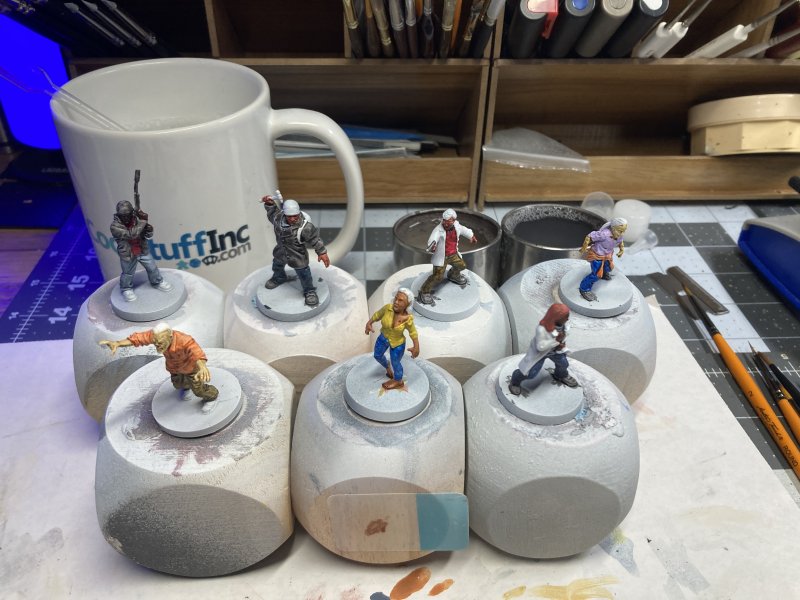
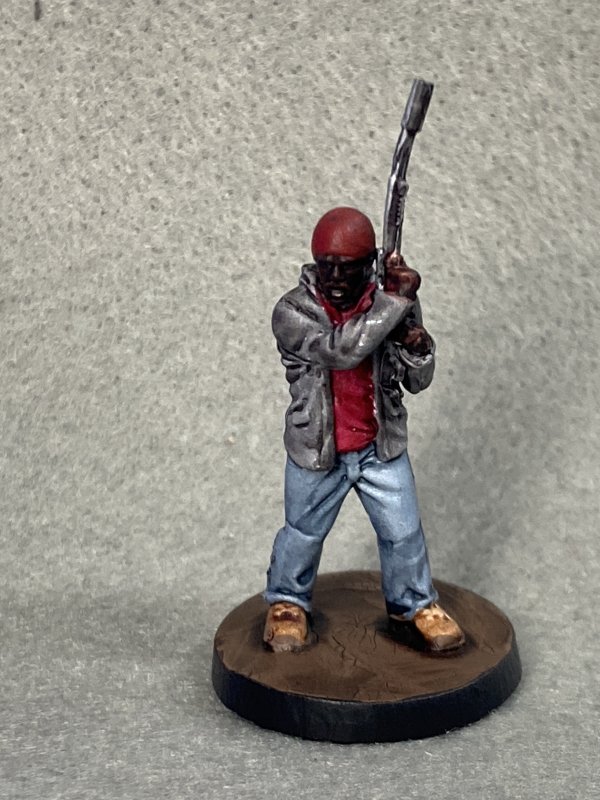
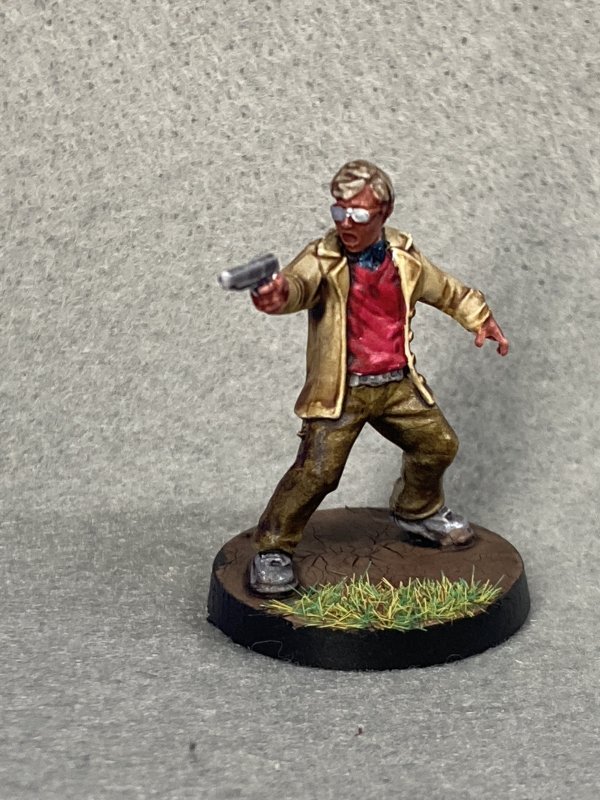
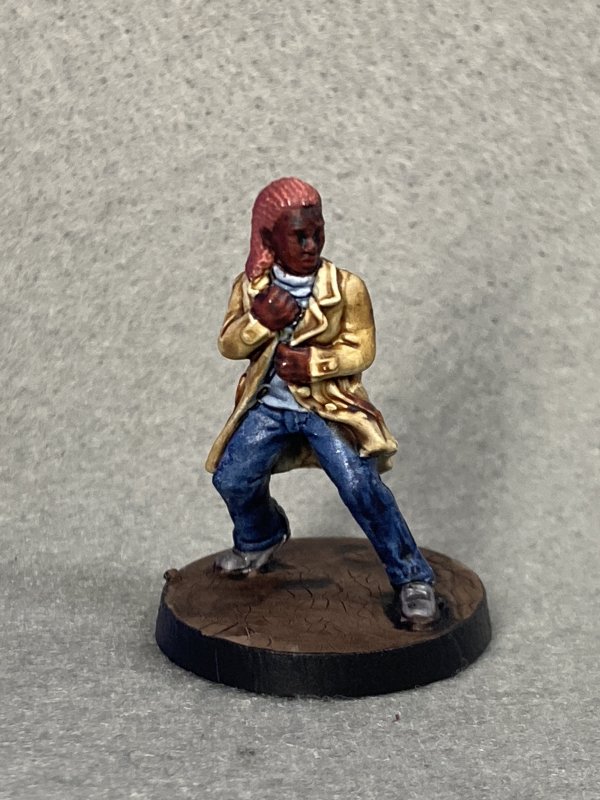
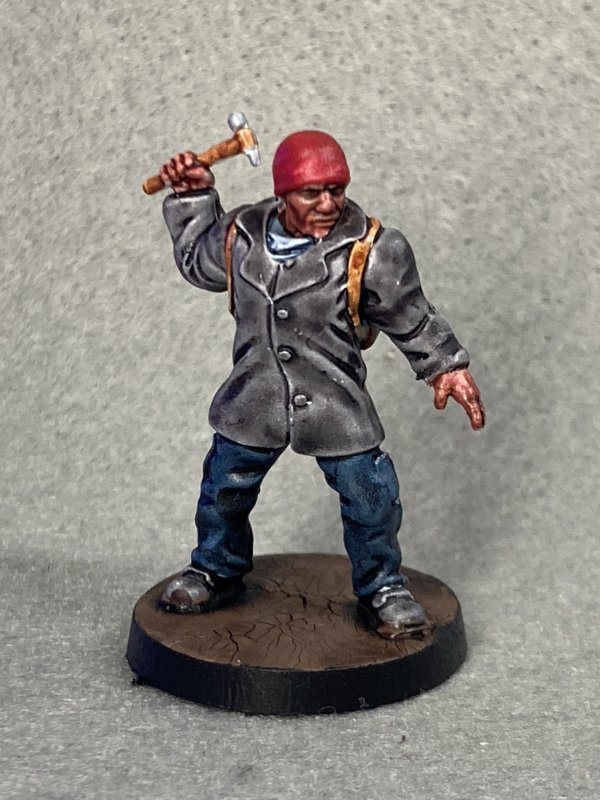
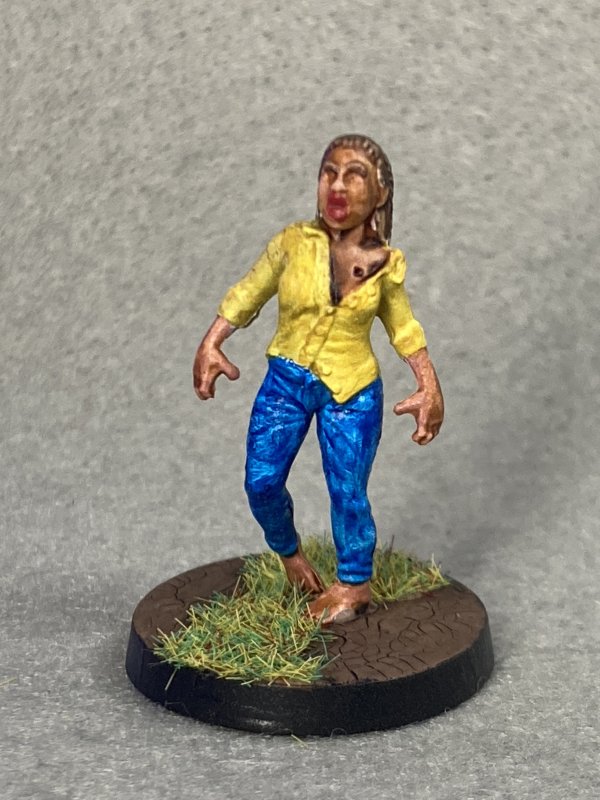
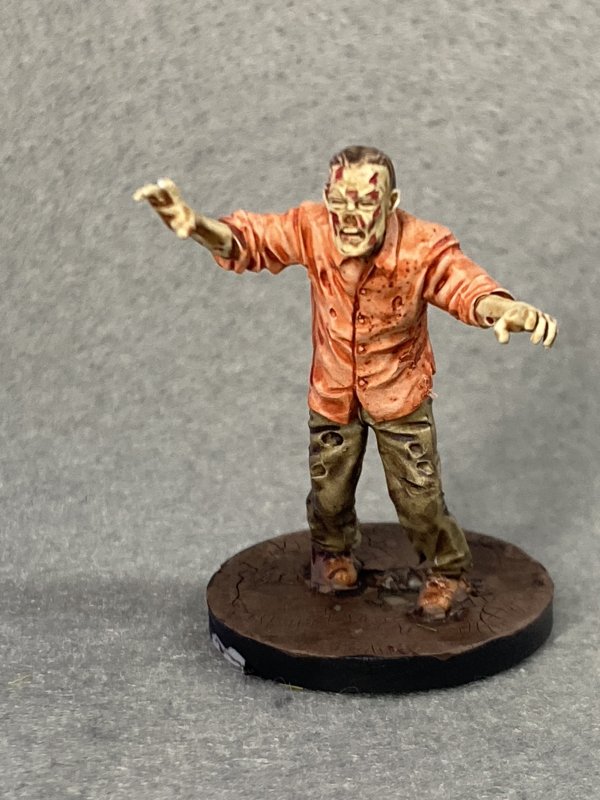
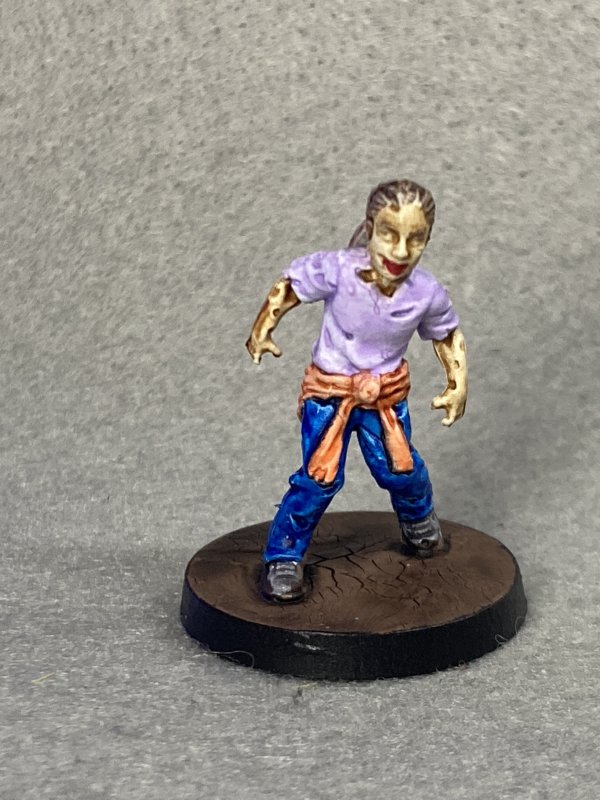
Continuing my admittedly slow progress into finishing out the Walking Dead minis, I worked on another batch of duplicates from before. Boosters of Tyrese and Chris & Julie. The only real item of note here was that I used the new Army Painter 2.0 Speedpaint set, save for bases and what ended up as red-beanies.
Since I'd painted these figures before, it really was just a test of the new paint. I got the entire 90 bottle set at a decent price online and wanted to go ahead and use them to convince myself I hadn't wasted money. Luckily, I think this was the case! I liked using these. Speed paints are the equivalent of Citadel contrast paint. I like the contrast paints, but I have a problem with smearing/pooling. This happens less so with speed paints - I'm not sure how much of that is the paint and how much is me getting ever so slightly better. I'll say it's a combo, though, and just keep using the speed paint when the color I want is available.
That testing of various colors is also a big part of the colorfulness of this batch - how often am I going to use orange, much less for a shirt? And in the end I think I liked the range that I picked out. While it would be a little blinding in real life, it works for picking minis out of a potentially cluttered map.
One negative from all of this is that I found my wet pallet generates some mold after a week or 2. This is the 1st time said mold has actually ended up in the paint I added to the mini. Or at least noticeably (see orange shirt zombie). I've tried multiple internet hints on preventing wet pallet mold, but none work 100% with this set up. Maybe I need to revert to not-wet when stored away pallet.
Permalink
gaming miniatures walking dead
Delve Into Out Of Production
05.09.2023
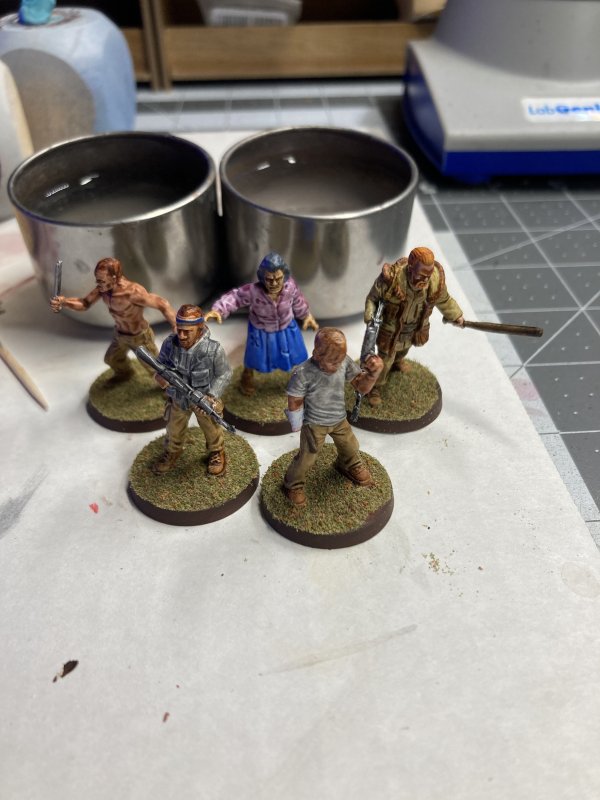
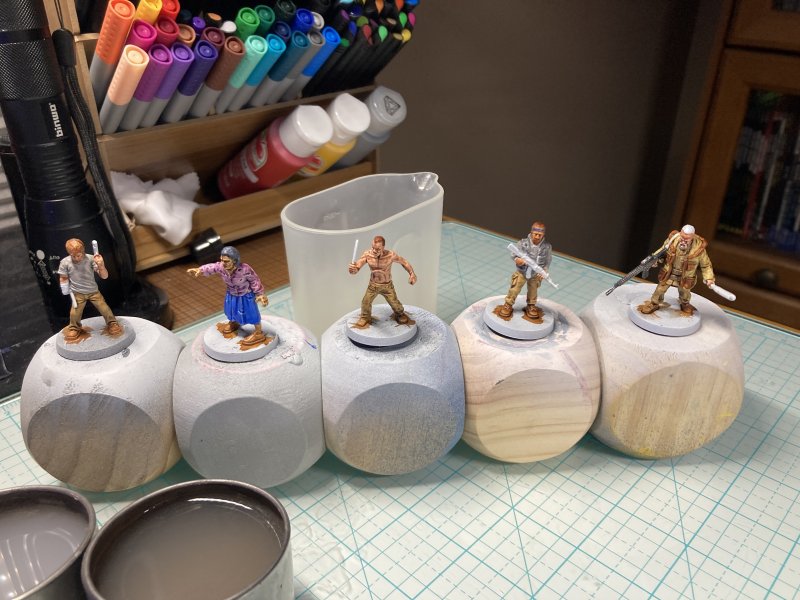
This is not one of my usual "trying out new things" painting posts. This is just sharing some pics of the last batch I did. Not every painting session has to be a dive into learning and trying to get better. It's ok to just whip something out, too.
Around March of last year, 2 things of note happened in my hobby related world. Mantic Games no longer had the license to The Walking Dead, and 4Ground was ceasing production/folding into a parent company.
Walking Dead has been my go-to for the last couple of years when I actually follow through on playing a game. I like the rules, as they allow for quick play time and can be expanded to whatever depth I want (so far). Mainly, it feels like a good base on which to build house rules for most things I would play. Being a fan of the franchise, I've also gotten almost everything for the game as it came out and enjoy painting the minis. If my spreadsheet is to be trusted, I've painted 197 minis from the game.
Mantic had a sale (last March) for what was remaining in stock for their Walking Dead game(s). I went in and ordered whatever I was missing, most of which had made their way to Mantic's 3D printed product instead of old fashioned cast-in-molds. Once everything arrived, there was a missing part here and there which the company managed to eventually replace.
With all of that said, I now have everything I'm going to get for the Walking Dead game. Unless I go to eBay for the Negan and Governor special sets, and the last time I looked those were asking for more than $100/set. Not worth the price for my circumstances. But the point this ramble is getting to is that I really should finish painting what I have for the game. I came close to having everything painted, and then a new wave of minis was published. The only other "game" I've painted is Zombicide Invader. I could double the painted-game count!
Outside of that last-March purchase, I've got duplicates of minis I've painted before. These are the last of the mold-instead-of-printed minis. I grabbed 3 packs and primed them... and didn't keep track of "who" they were. Normally I would make a note of the cards, or google the stats and match up with the pics, but since the game isn't published any longer that info requires a little more digging to share here. And in the end, it doesn't matter who these guys are supposed to be. I've already painted them once and they're in some past post. Now, they can just be "Walking Dead Folk".
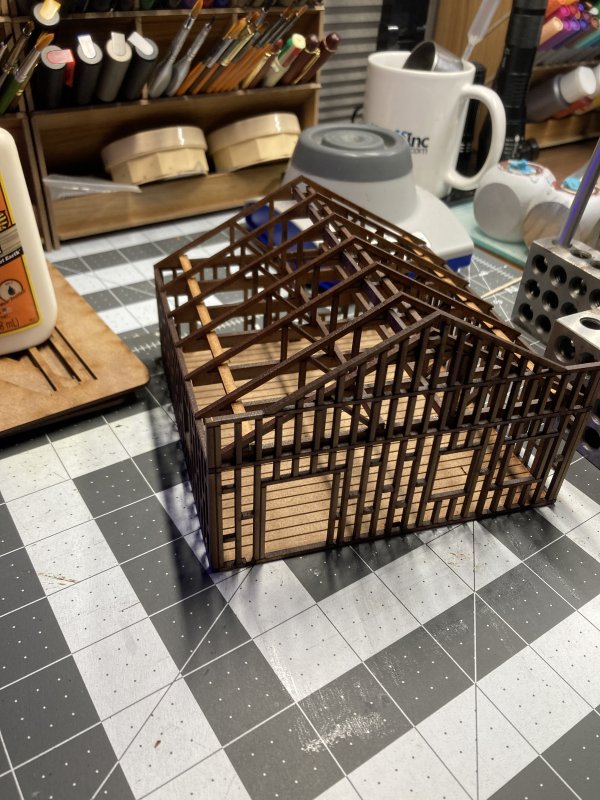
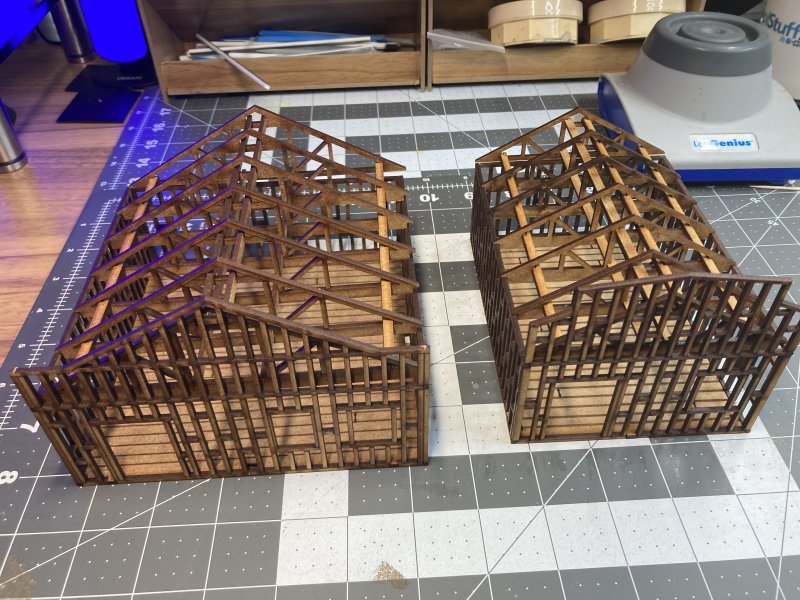
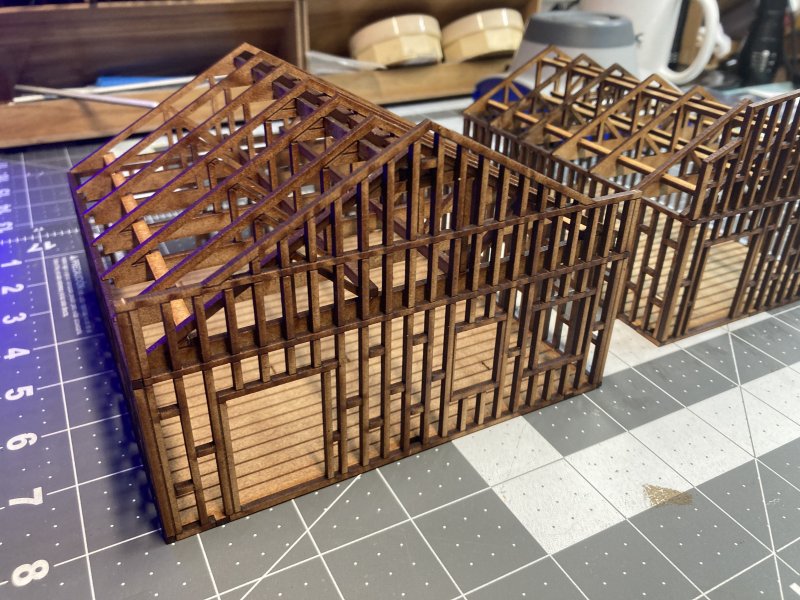
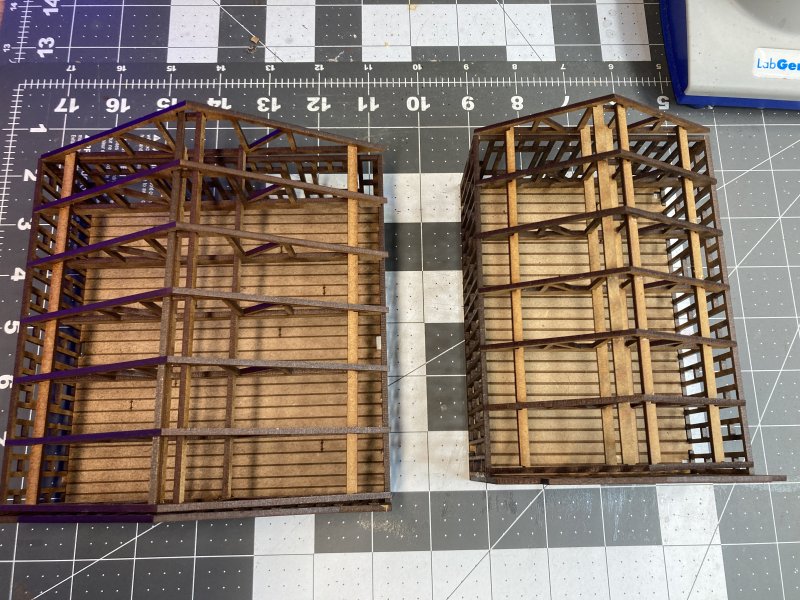
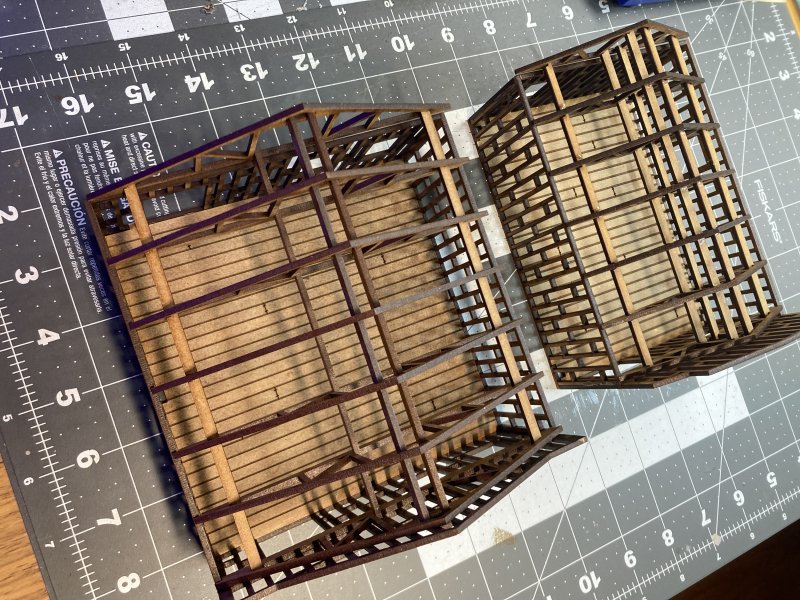
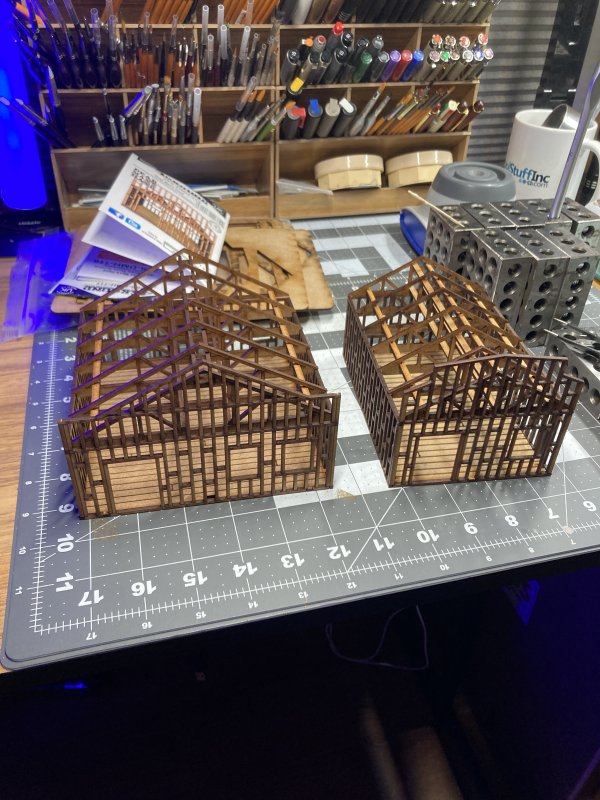
4Ground, makers of the mall I worked on for a year or 2, had been under threat for closing down for some time. Around last March, they announced a going out of business sale, also some things might still be available from their parent company (Tymeagain). This was going to be my last chance to get their product. Thanks to lots of planning, I had about everything I could think of for the mall. They had other lines/scales that always interested me. The church I have came from their Old West line. I came across some buildings under construction in that line and thought they would be interesting to fit into my minis city. Just the framework of a building could fit into most eras. I ordered 2, a large and small commercial building. Each was nice and straight forward - floor, 4 walls, and then fitting 6 triangles together for a removable roof. Looking at them afterward, they'll easily serve as under construction houses, strip mall shops, and other things of that ilk.
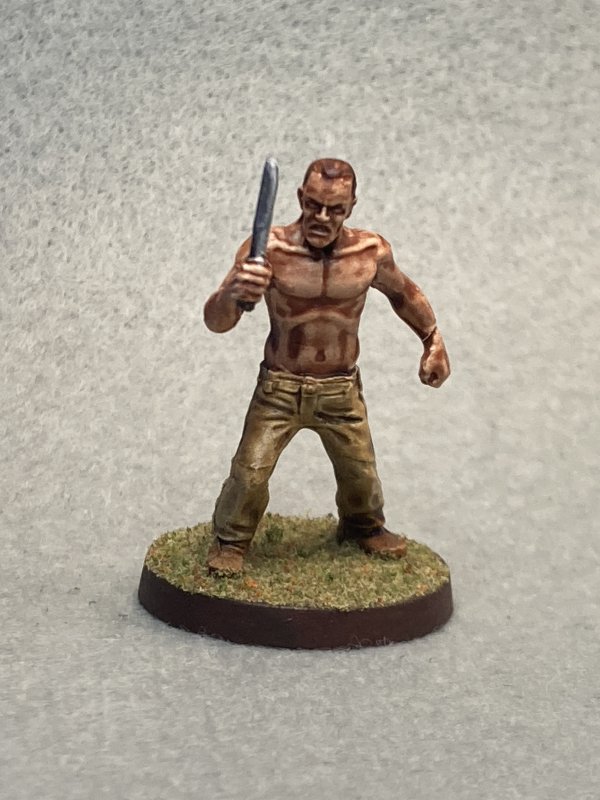
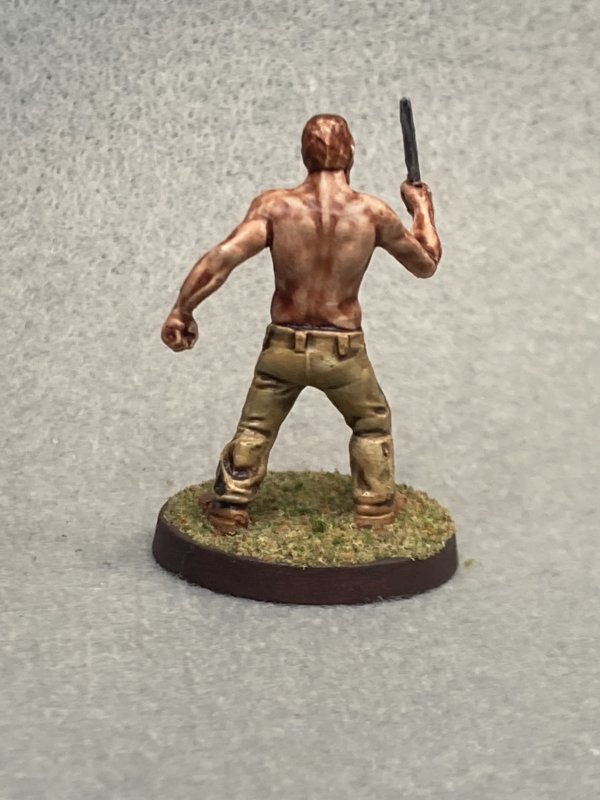
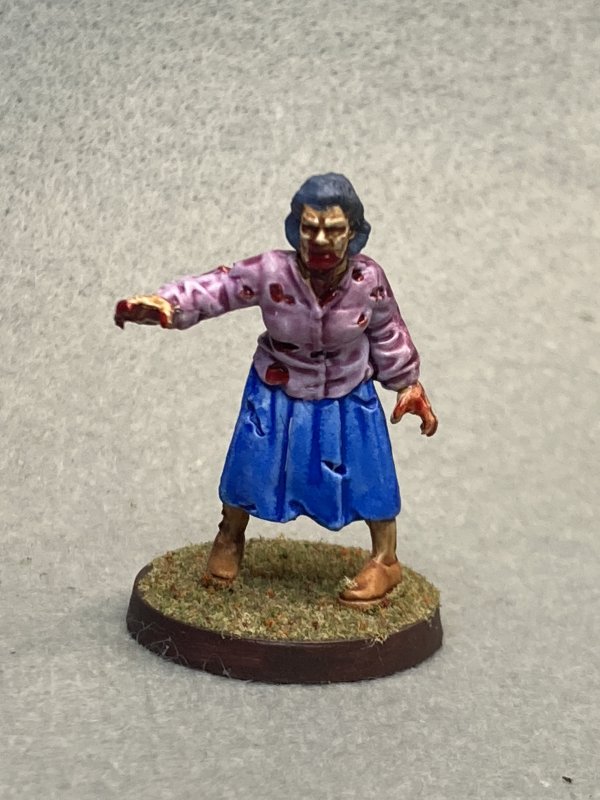
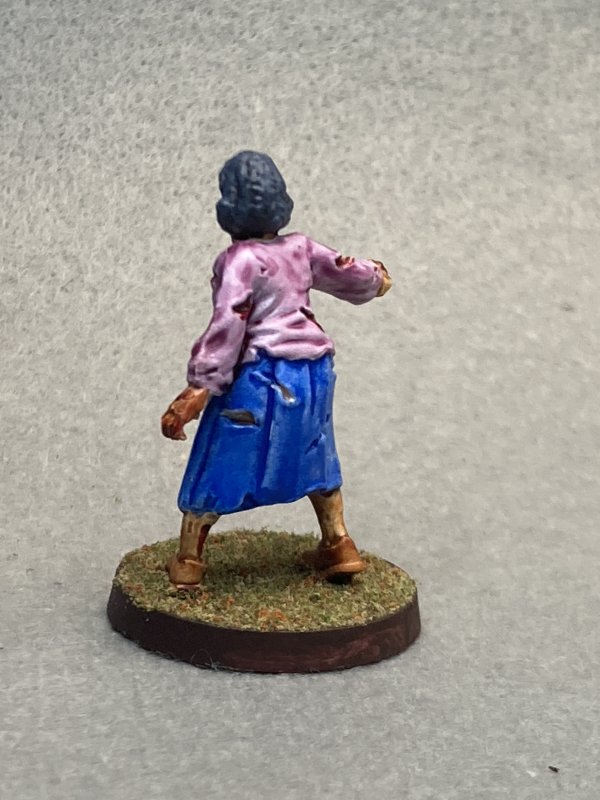
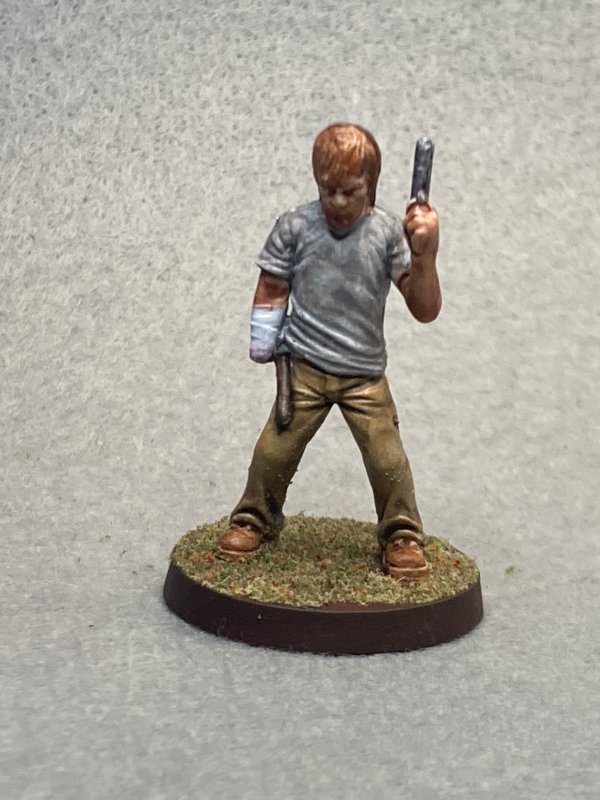
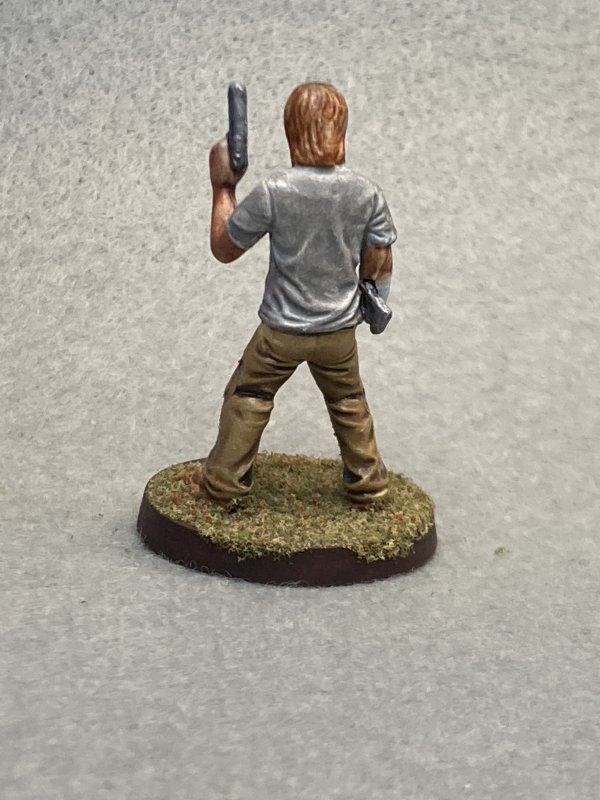
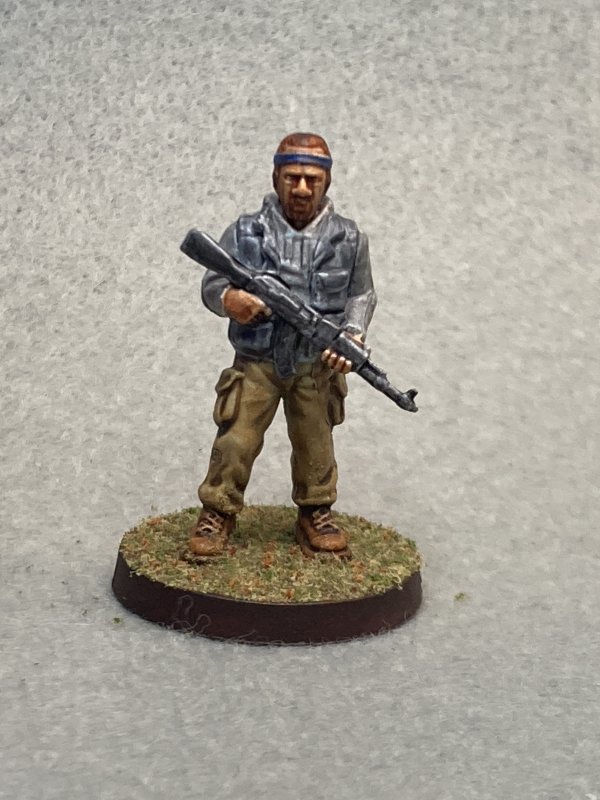
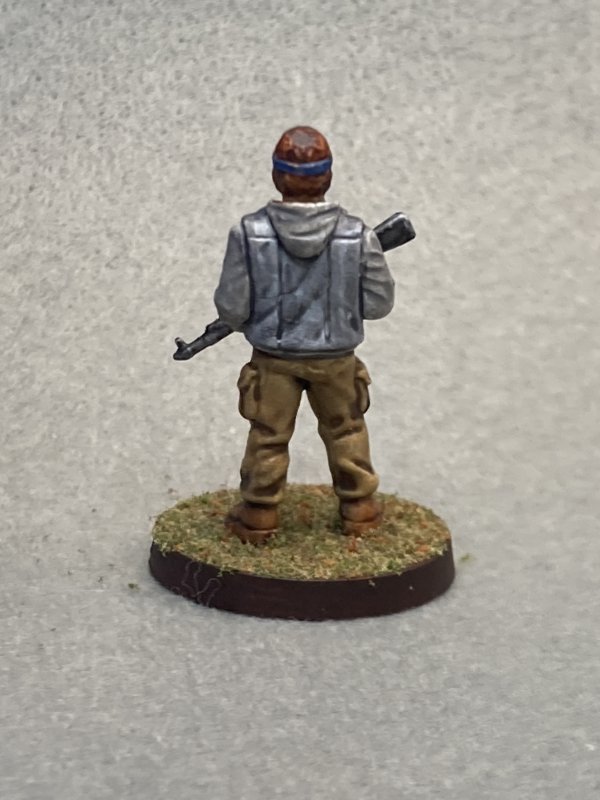
Permalink
4ground gaming miniatures scenery walking dead
New Years Walking Dead
01.03.2023
After wrapping up Zombicide Invader I had goals of not painting alien zombies. At least for a little
while. The main thing I wanted to work on over my work-imposed holiday break was a parking garage from TTCombat, which would five people
visiting the mall a place to park. It's a 3-story parking garage, so I decided to prepare and plan how and when to paint parts instead of gluing it all together and hoping for a scheme that would work. You never think about what color(s) a parking garage might be until you seriously consider painting something realistic.
After a little investigation through Google Images and visiting the parking garages of Grand Theft Auto 5, I had a plan. The key here would be putting some parts together (like stairwells) and paint, then add more parts and paint as needed. It was a good plan. I think it would work. I don't know yet, because the weather hasn't cooperated.
As I spray paint in the garage, with the door open, I need the weather to cooperate. Normally in North Alabama that means keeping an eye on the humidity. For Christmas this year, the weather decided to spend some time in the single digits, and I'm too much of a baby to go out in the open garage when it's that cold. This was followed by a jump to 70° and rain/thunderstorms. I knew "winter" was going to cut down
on my outdoor/garage activities, but I really expected a window of a couple of days to work on this.
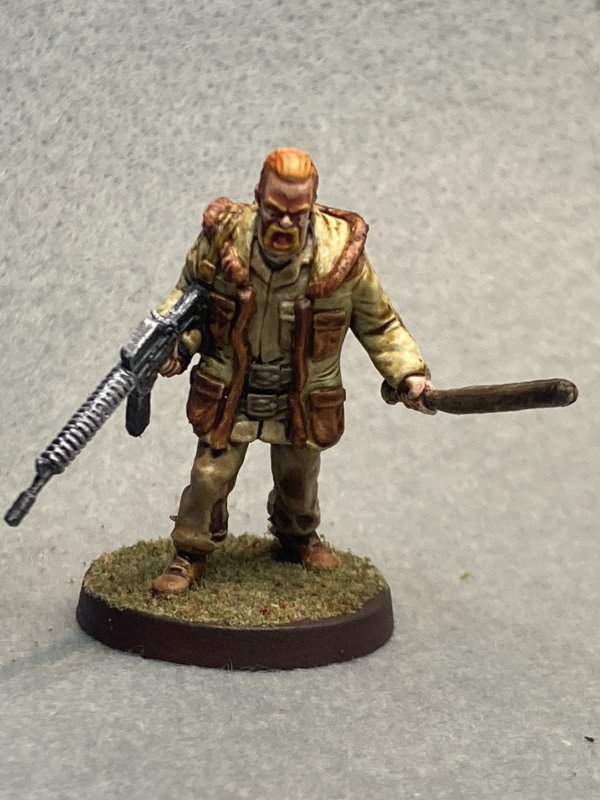
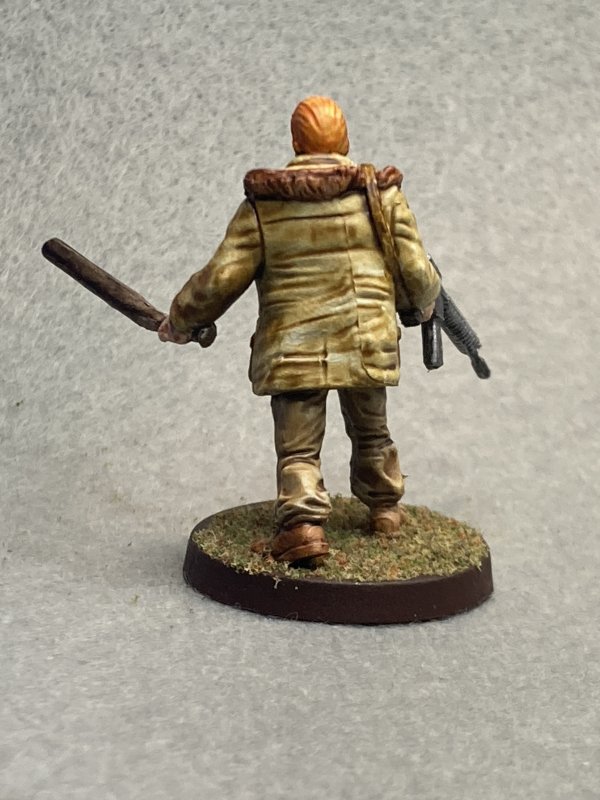
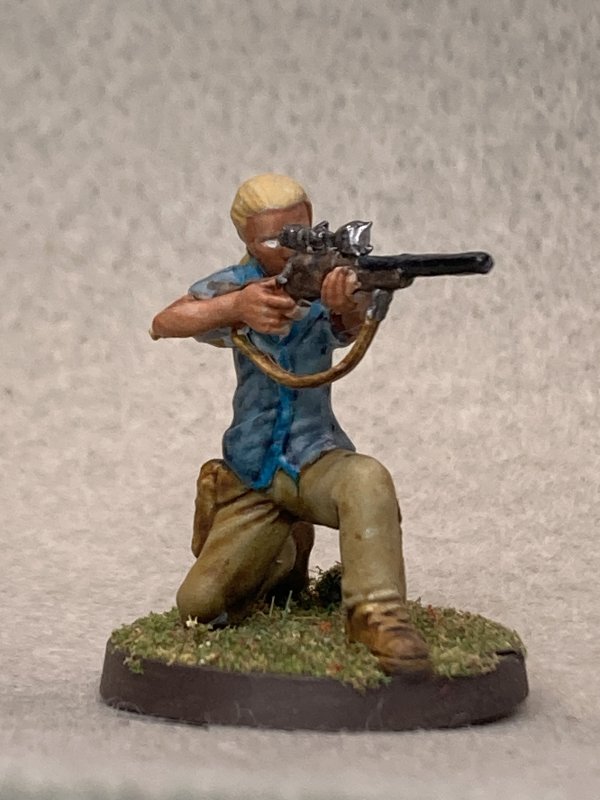
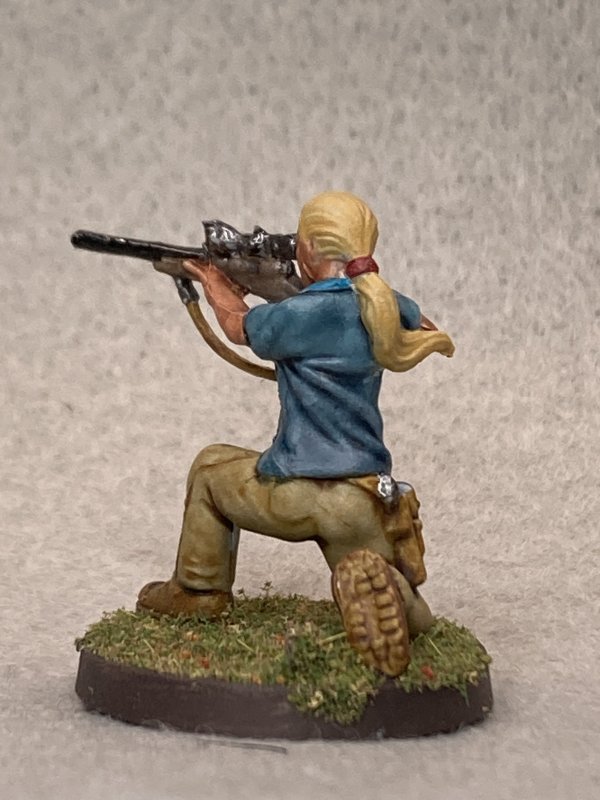
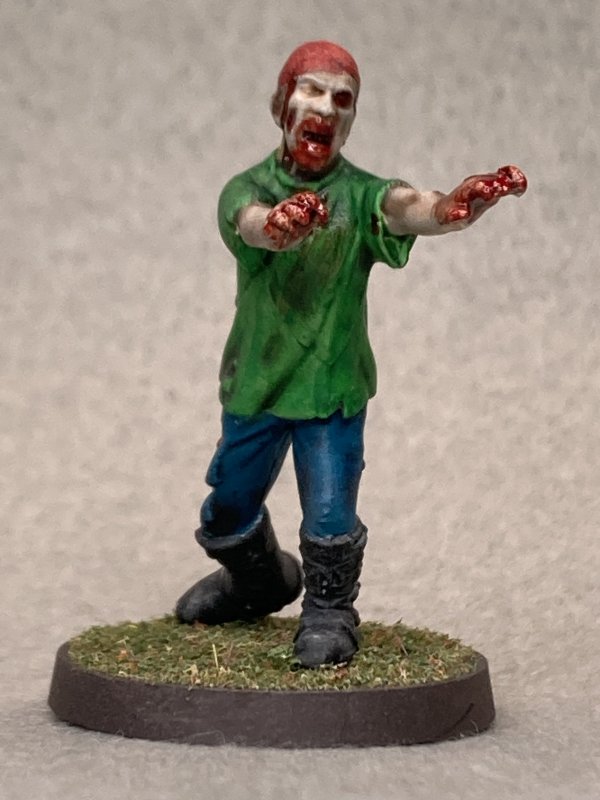
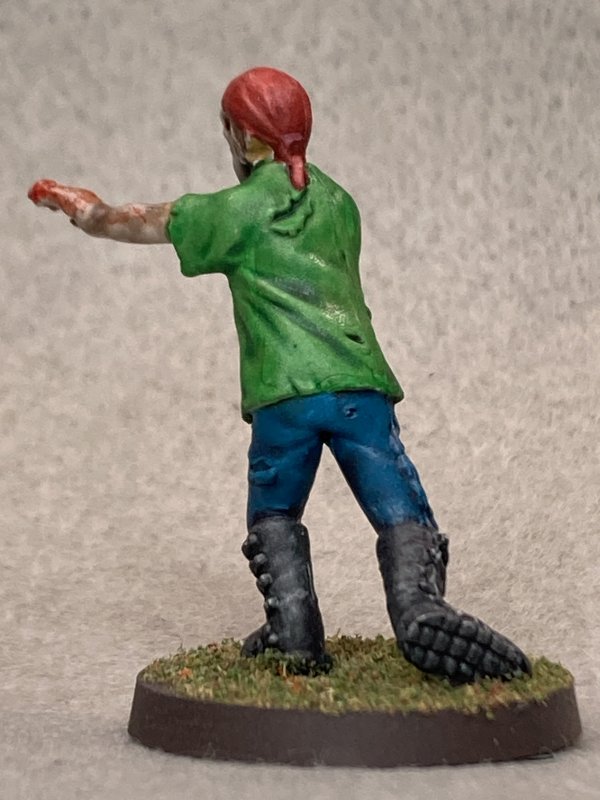
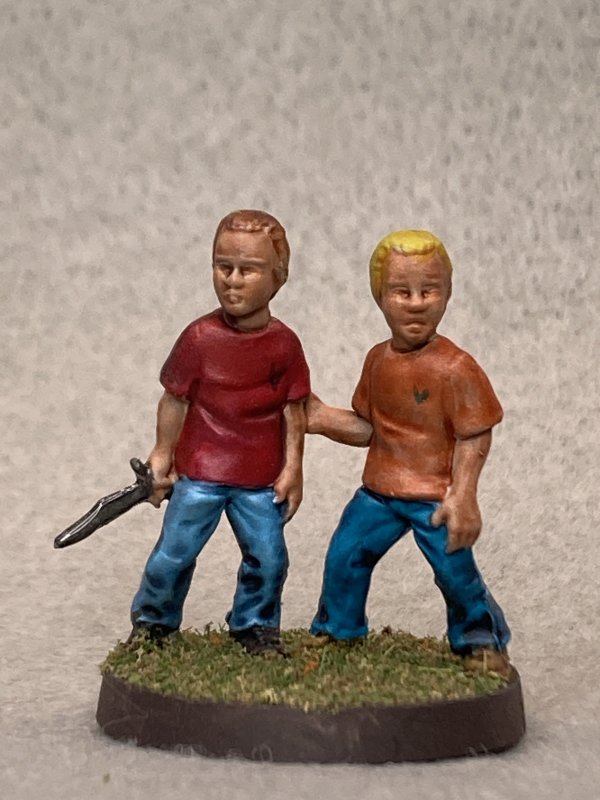
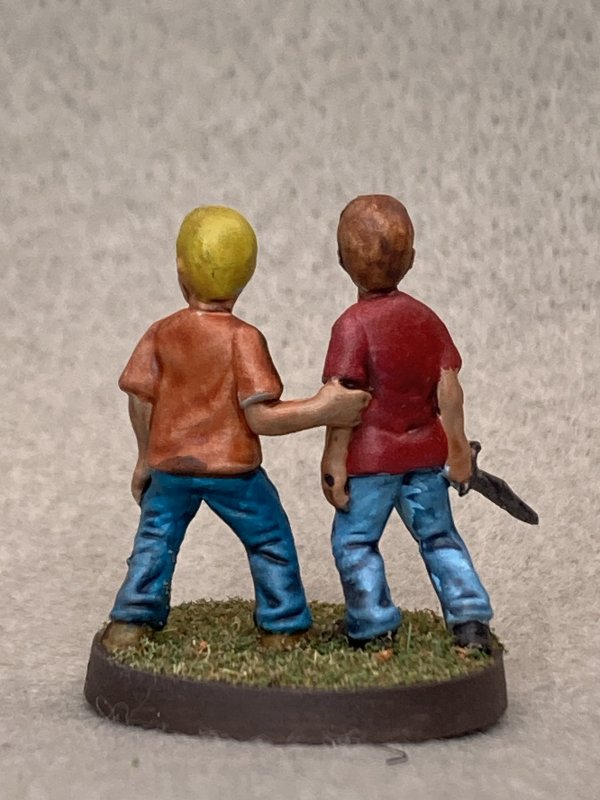
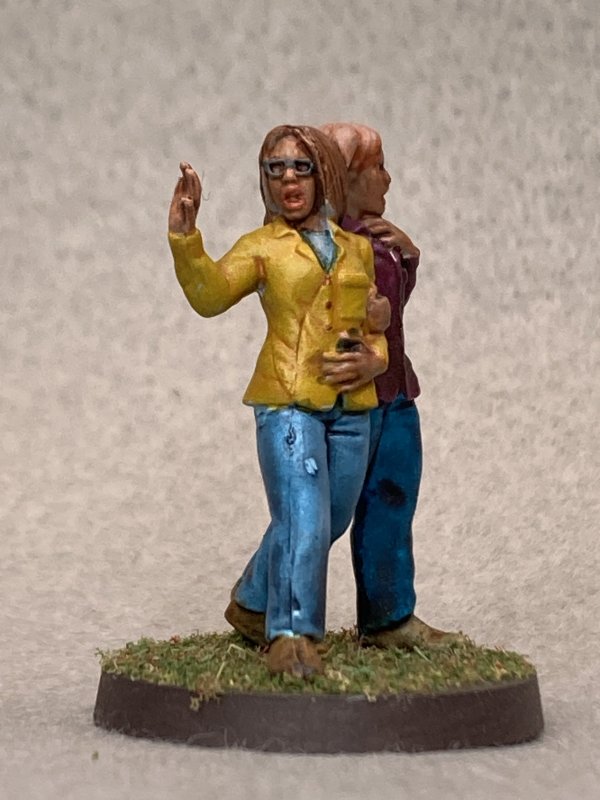
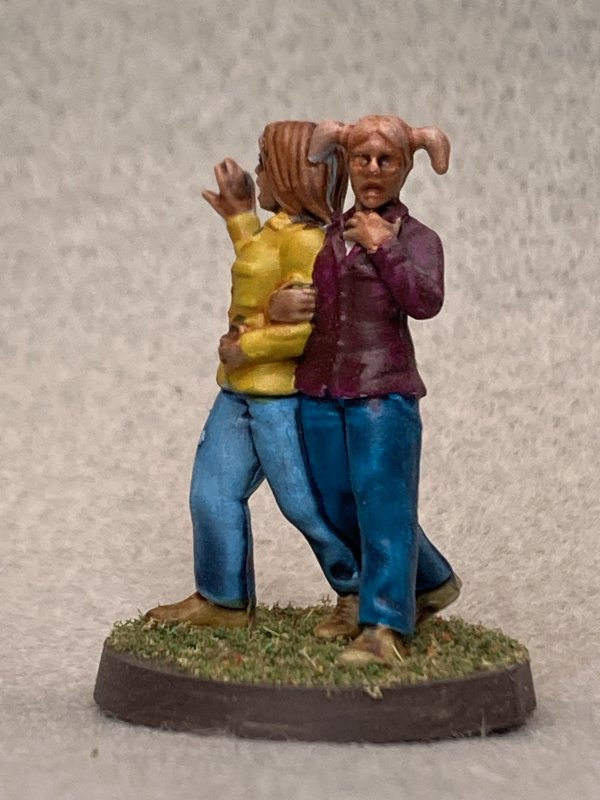
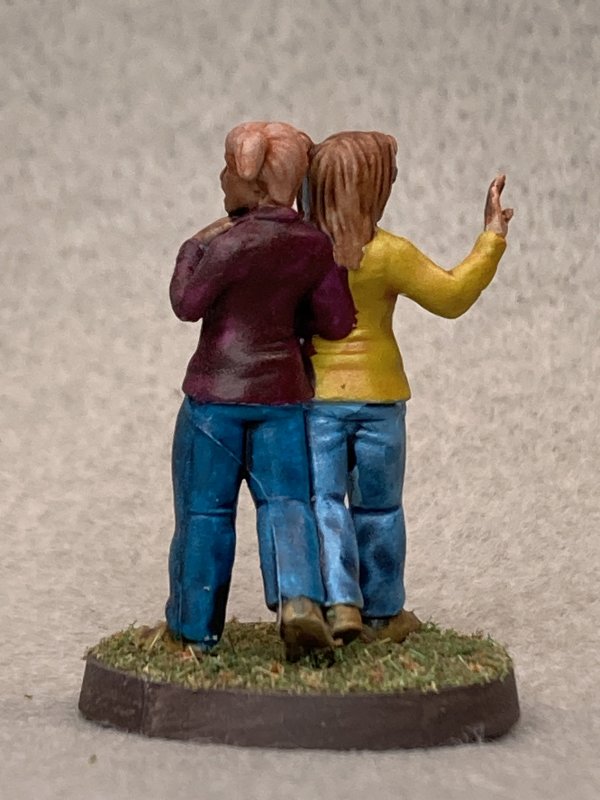
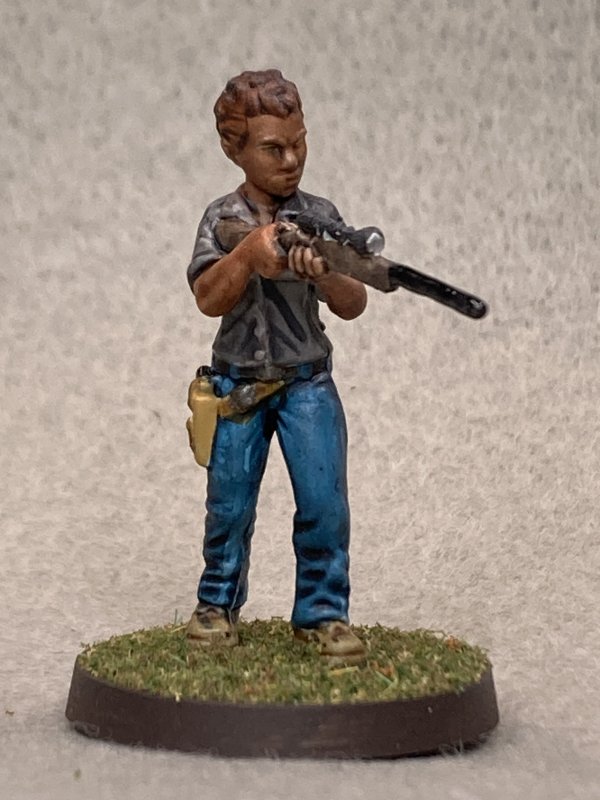
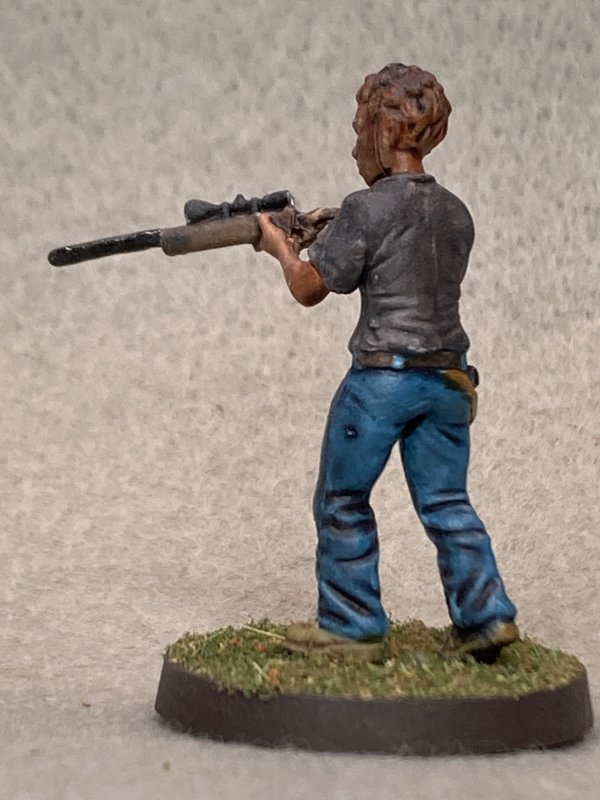
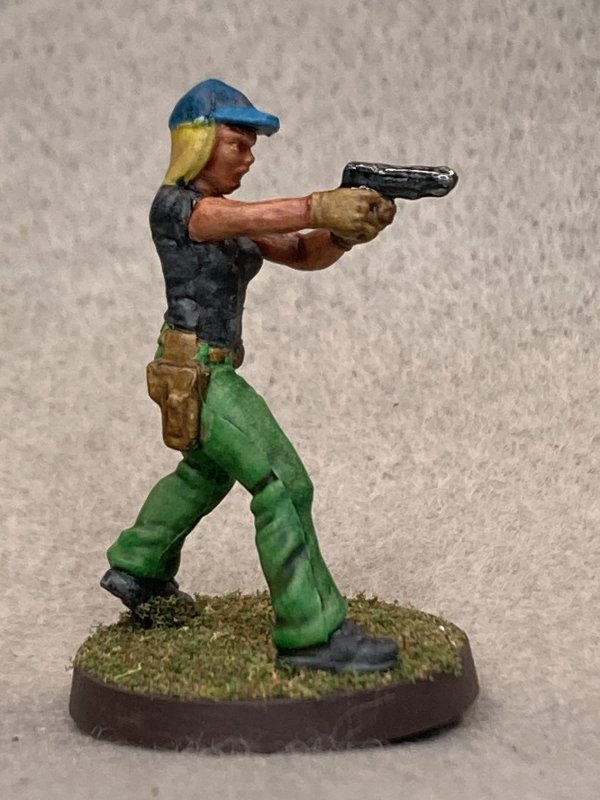
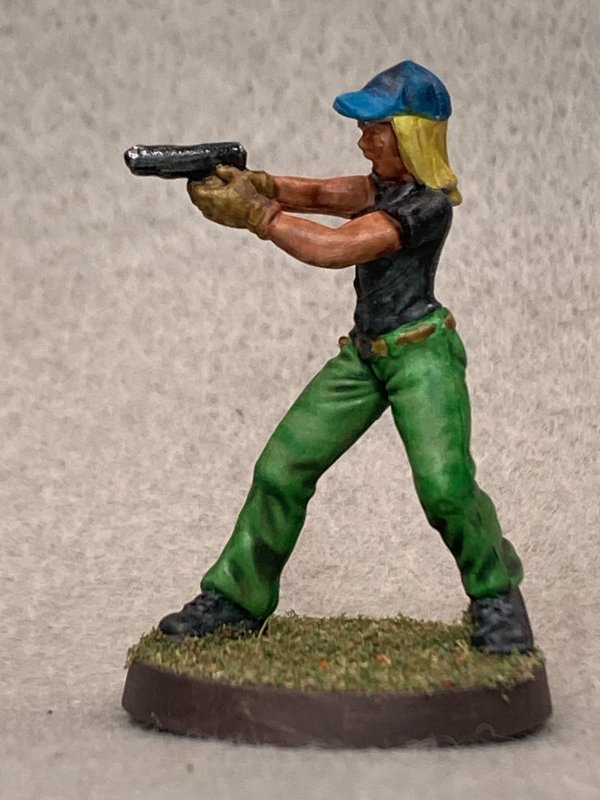
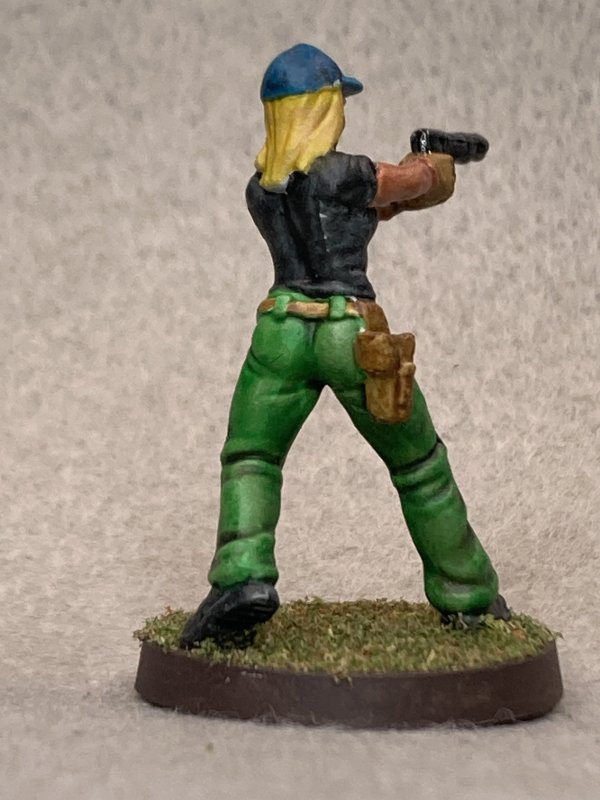
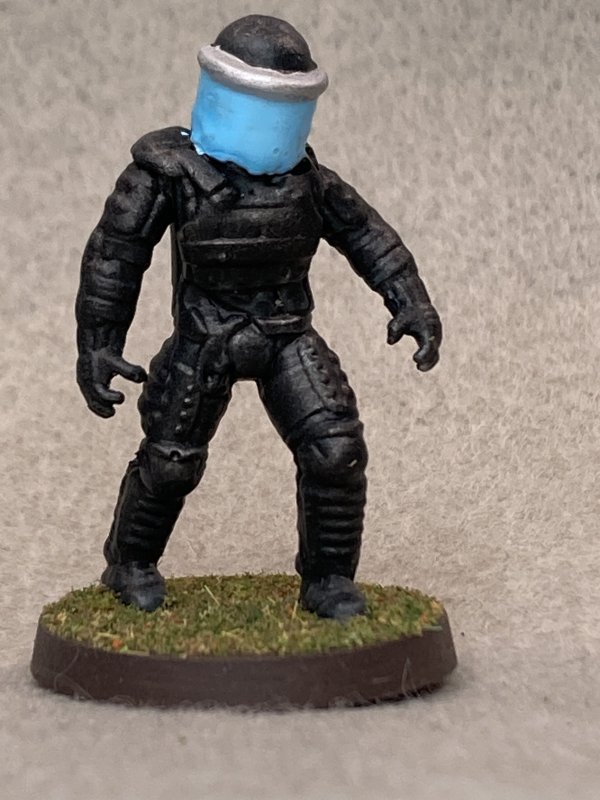
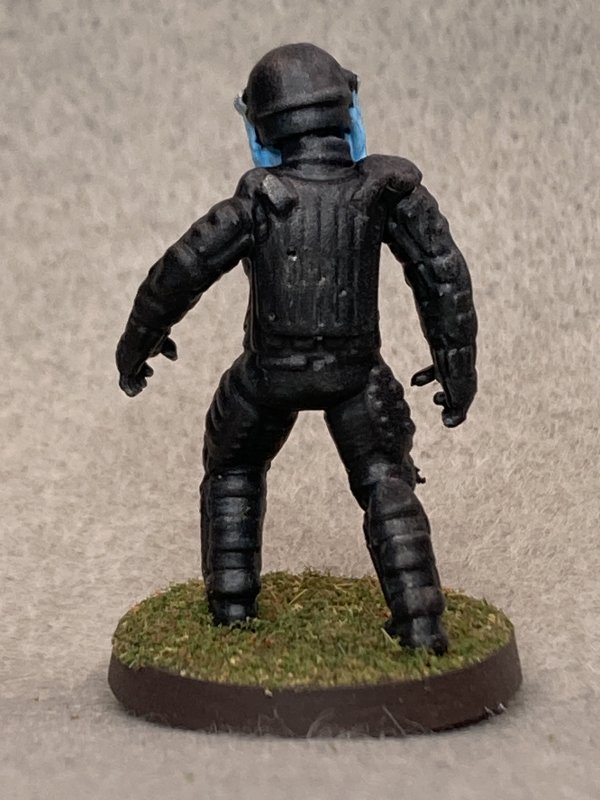
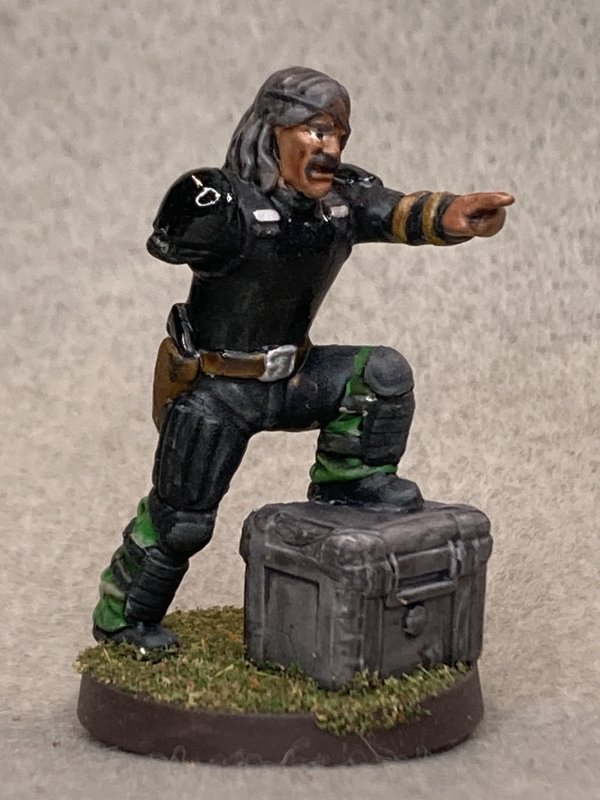
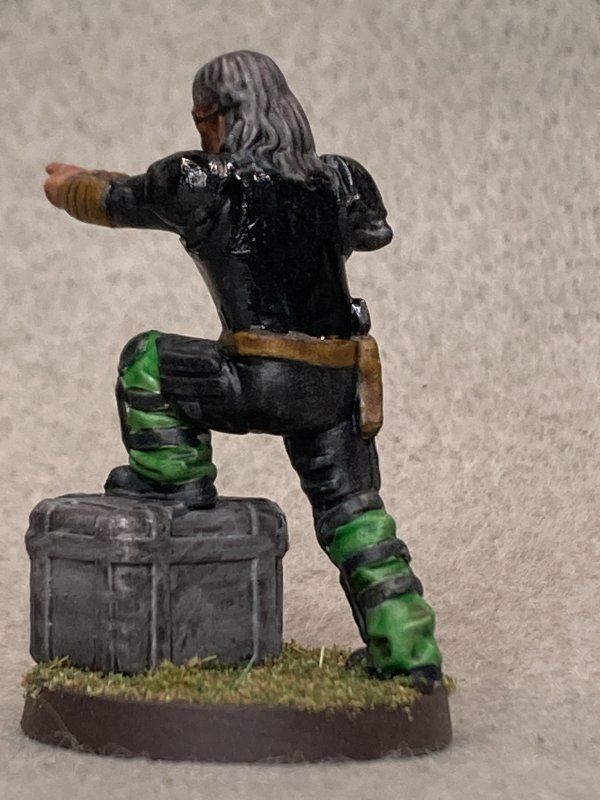
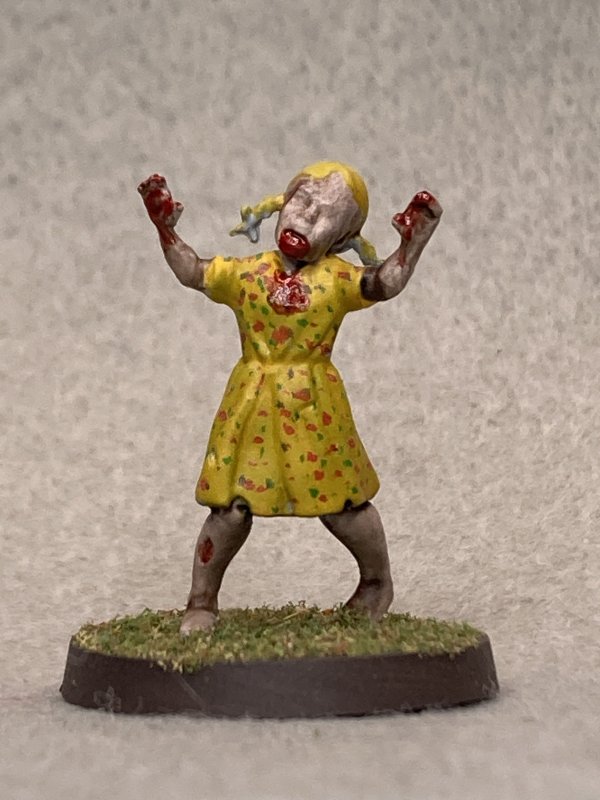
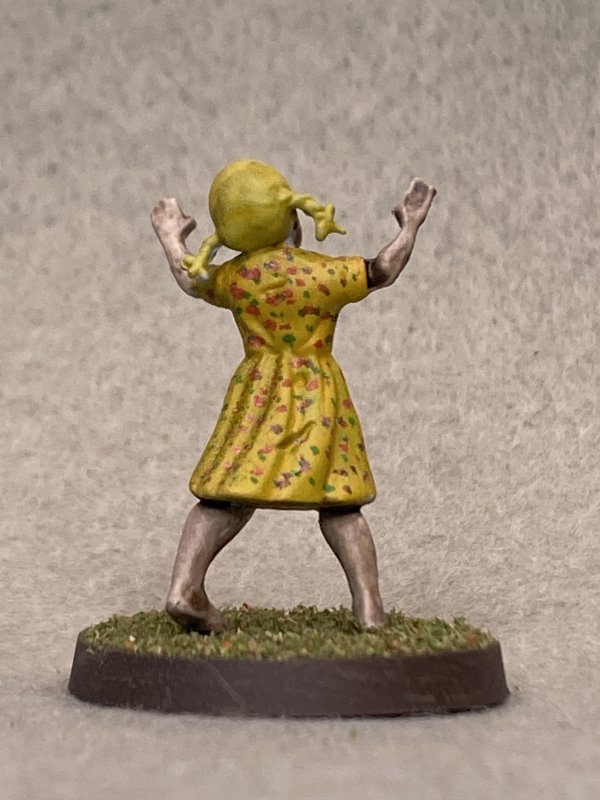
Instead I went to the last batch of minis I primed a while back. Random Walking Dead minis. These were all duplicates I've gotten over the
years, and to be honest I don't remember what any of them are other than Sniper Andrea, Governor, and Governor's Zombie Daughter. I did a
fair job painting these, but nothing exceptional. Nothing horrible either!
Blog Archive
As always, correct spelling is optional in any blog entry. Keep in mind that any links more than a year old may not be active, especially the ones pointing back to Russellmania (I like to move things around!).
Tags have been added to posts back to 2005. There may be an occasional old blog that gets added to the tag list, but in reality what could be noteworthy from that far back?
Blog Tags
3D Printer (30)
4ground (32)
4ground-mall (40)
5PFH (1)
action figures/toys (10)
airbrush (7)
Aliens (1)
Amazon (12)
antenocitisworkshop (11)
Atlas O Gauge (2)
Batman Miniature Game (2)
Battletech (1)
belt sander (12)
Blood Bowl (4)
boardgames (79)
books/comics (19)
computers hate me (5)
conveyances (15)
Cyberpunk Red Zone (4)
diet (53)
dreams (7)
fallout (1)
feng shui (1)
Firefight (1)
Foundry (3)
Gale Force Nine (1)
game dev (23)
gaming miniatures (240)
gaslands (10)
gastric sleeve (34)
Green Stuff World (2)
Hasslefree (9)
Hero Forge (1)
HeroQuest (4)
hobbies (102)
Jailbirds Minis (2)
kevin smith (1)
Knight Models (2)
malifaux (3)
Marvel Crisis Protocol (2)
mckays (1)
models (12)
mom (32)
moon light (5)
Moonbus (1)
movies/tv/dvd (60)
Necromunda (4)
ninja division (1)
Pathfinder Deepcuts (1)
pilonidal cyst (5)
plastcraft (2)
programming/interweb (42)
rambling (62)
random (367)
random maintenance (3)
Reaper Bones (3)
reaper chronoscape (32)
renovation/remodelling (25)
road trip (27)
salesforce (1)
sarissa precission (2)
scenery (19)
Star Trek (2)
Star Trek Away Missions (3)
Star Wars Legion (1)
studio miniatures (3)
ttcombat (12)
video games (51)
vs Factions(PDFs) (1)
walking dead (37)
wargame foundry (3)
work (6)
wrestling (45)
zombicide (2)
Zombicide Invader (19)
zombie mall (23)